PriceGhost is a self-hosted price tracking application that can monitor prices from any website. The rapidly changing prices of memory and storage makes an app like this critical for Home Labbers.
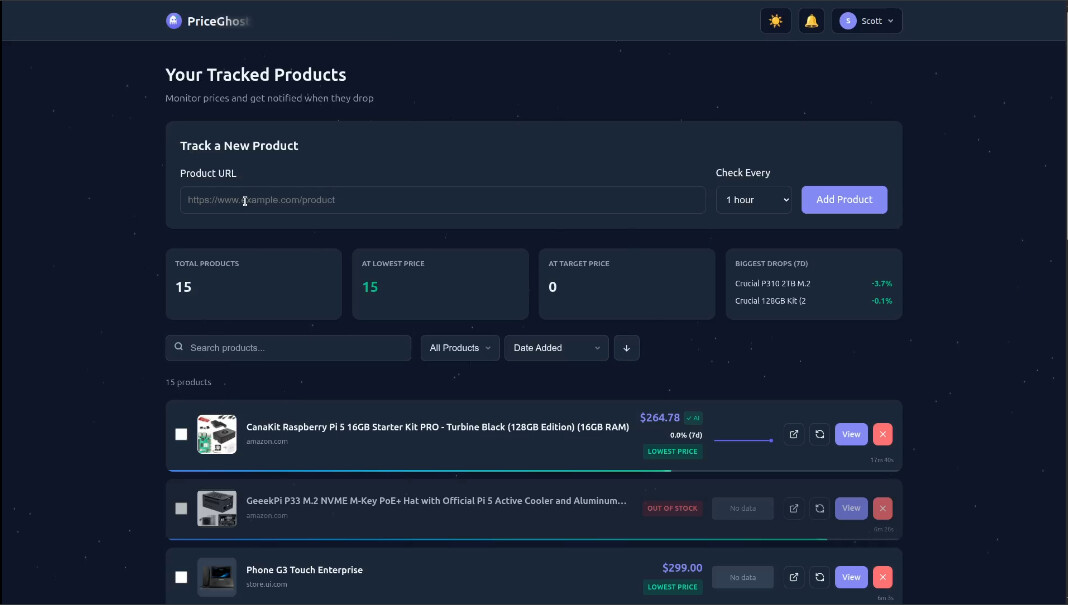
I am hosting PriceGhost inside of an Incus container. If you are not familiar with Incus, go watch my Incus Containers Step by Step tutorial.
Start by Creating a container for PriceGhost:
incus launch images:ubuntu/24.04 PriceGhost -p default -p bridgeprofile -c boot.autostart=true -c security.nesting=true
Move inside the new container.
incus shell PriceGhost
Update the container.
apt update && apt upgrade -y
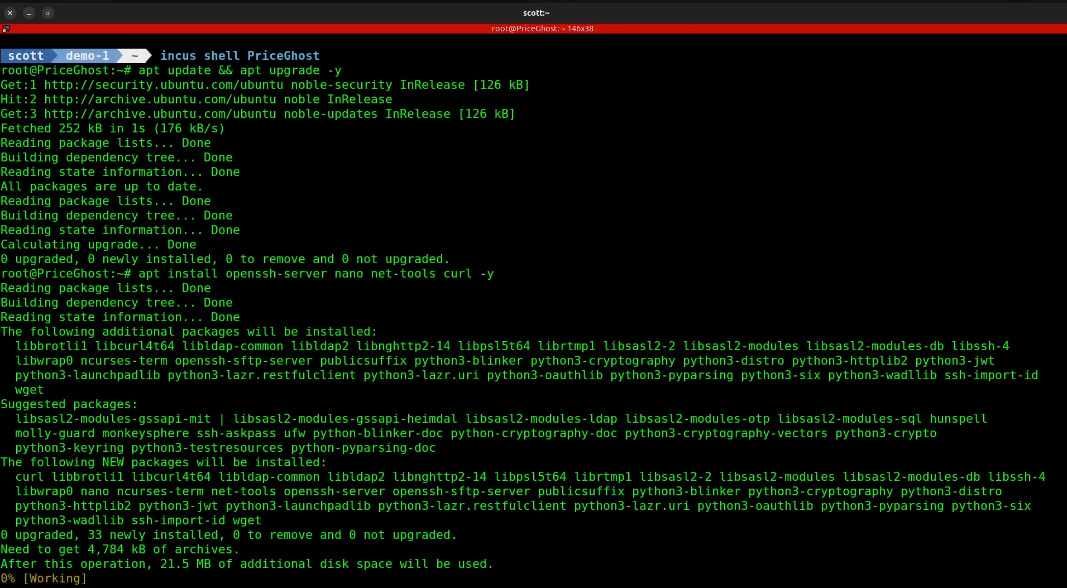
Install dependencies.
apt install openssh-server nano net-tools curl -y
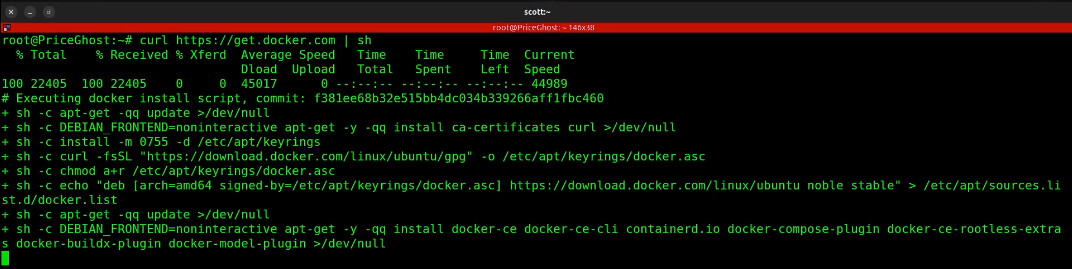
Install docker from the script on the docker website.
curl https://get.docker.com | sh
Create a user account.
adduser scott
Put my user in the docker & sudo groups.
usermod -aG sudo,docker scott
Move to the new account.
su - scott
Create a folder and move into it.
mkdir priceghost && cd priceghost
Edit a docker compose file.
nano compose.yml
Paste the following into the file.
services:
  # PostgreSQL Database
  postgres:
    image: postgres:16-alpine
    container_name: priceghost-db
    environment:
      POSTGRES_USER: postgres
      POSTGRES_PASSWORD: postgres
      POSTGRES_DB: priceghost
    volumes:
      - ./data:/var/lib/postgresql/data
      - ./database/init.sql:/docker-entrypoint-initdb.d/init.sql:ro
    ports:
      - "5432:5432"
    healthcheck:
      test: ["CMD-SHELL", "pg_isready -U postgres"]
      interval: 10s
      timeout: 5s
      retries: 5
    restart: unless-stopped

  # Backend API
  backend:
    image: ghcr.io/clucraft/priceghost-backend:latest
    container_name: priceghost-backend
    environment:
      DATABASE_URL: postgresql://postgres:postgres@postgres:5432/priceghost
      JWT_SECRET: ${JWT_SECRET:-change-this-in-production-use-strong-secret}
      PORT: 3001
      NODE_ENV: production
    ports:
      - "3001:3001"
    depends_on:
      postgres:
        condition: service_healthy
    restart: unless-stopped

  # Frontend
  frontend:
    image: ghcr.io/clucraft/priceghost-frontend:latest
    container_name: priceghost-frontend
    ports:
      - "80:80"
    depends_on:
      - backend
    restart: unless-stopped
Save the file with a CTRL O and enter and then a CTRL X to exit the nano editor.
Edit an environment variables file.
nano .env
Paste the following into the editor.
# Database
POSTGRES_USER=postgres
POSTGRES_PASSWORD=your_secure_password
POSTGRES_DB=priceghost

# Backend
JWT_SECRET=your_jwt_secret_here
DATABASE_URL=postgresql://postgres:password@db:5432/priceghost

# Frontend (optional)
VITE_API_URL=/api
Be sure to change your JWT_SECRET to some random value. Save the file with a CTRL O and enter and then CTRL X to exit the editor.
Create the data folders.
mkdir data database
Create the required sql file.
touch database/init.sql
Start the application.
docker compose up -d

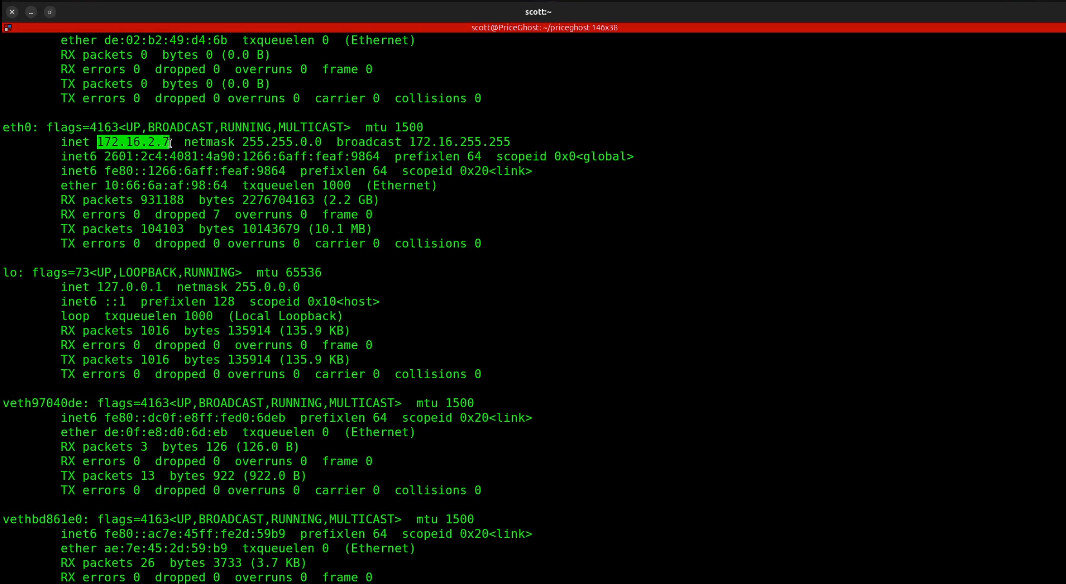
Find out the address of your incus container.
ifconfig
Look for the IP address of your “eth0:” device. Mine will differ from yours.
Go to the address you found in your web browser.
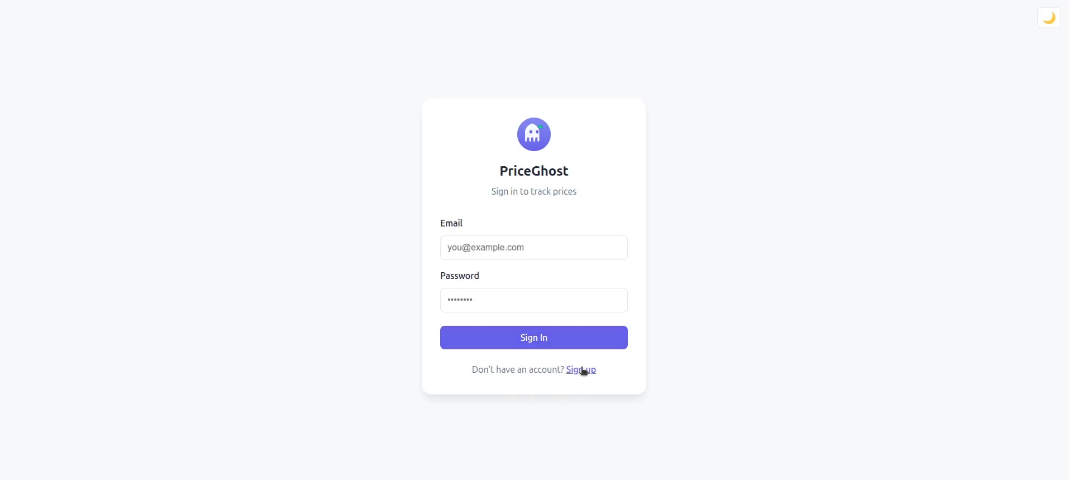
Choose the “Sign up” option.
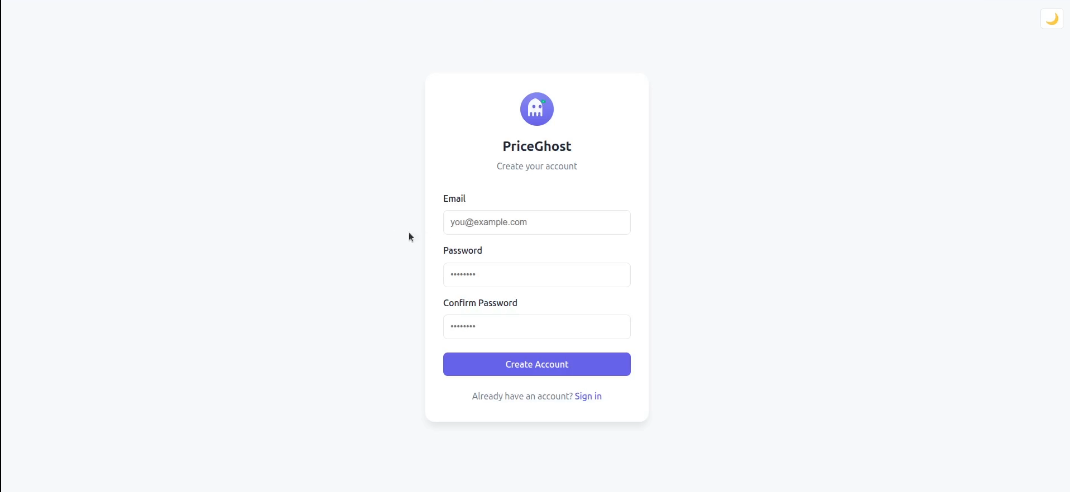
The first user added will be the admin user with the ability to create additional users.
Once you finish creating your account, you will be logged in.
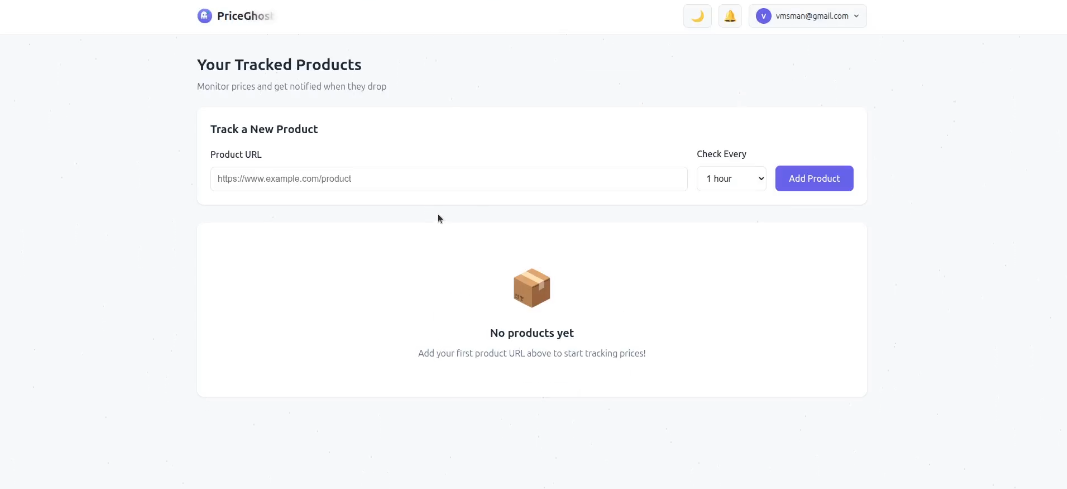
Follow the video tutorial to add websites you want to track and configure notifications.