Incus Containers do not implement local DNS by default. Here’s a simple fix.
Let’s start by creating a simple incus container.
incus launch images:ubuntu/24.04 Test
Move inside the container.
incus shell Test
I use Pi-hole to implement my local DNS and I have tutorials that discuss that.
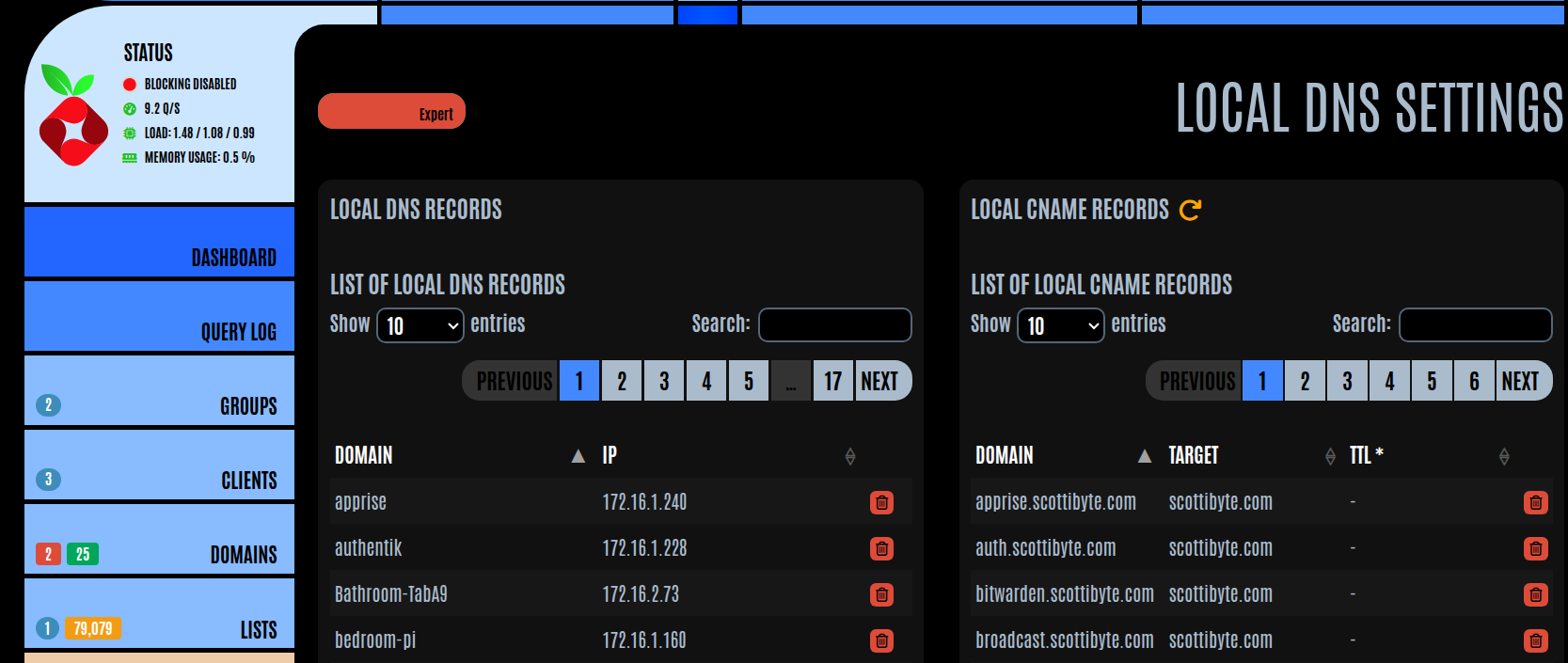
If I try to resolve a local DNS name from inside of a container.

Resolving addresses on the public internet works fine.

Ubuntu hosts use systemd-resolved for DNS resolution and that is carried inside of an incus container on an Ubuntu Incus server.
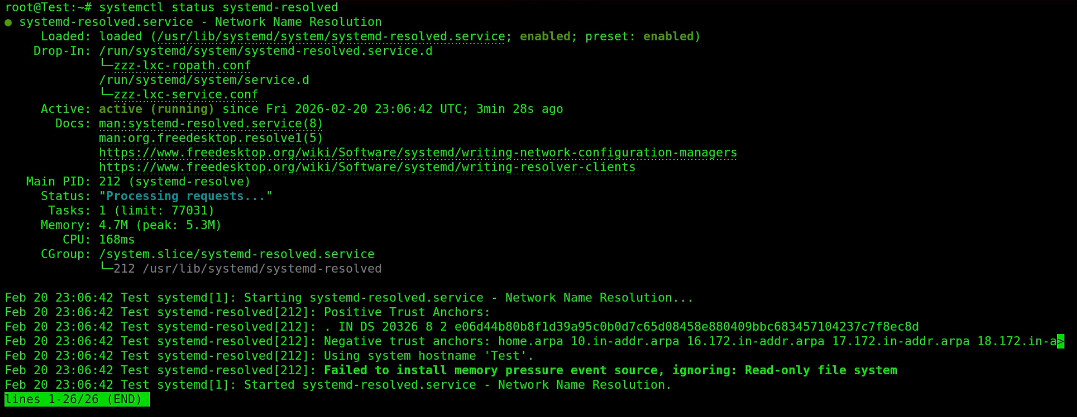
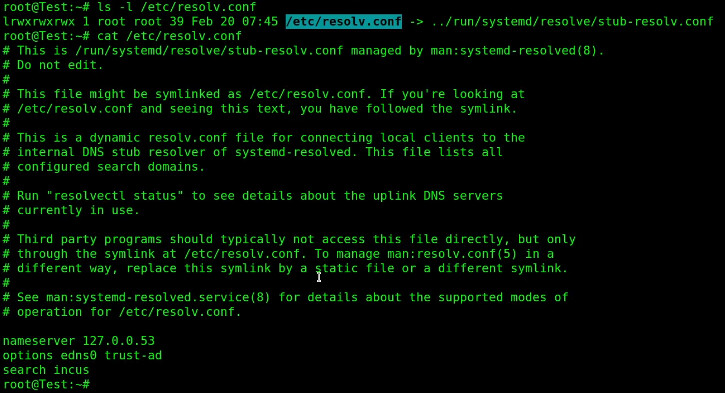
The systemd-resolved service uses a symbolic link to replace the resolv.conf file as a stub.

The contents of that file clearly show that there is no local DNS resolution taking place. Notice that the only name server listed is a loopback address at 127.0.0.53.
To get around this, we are going to create a script that we can run which will add local DNS resolution to any existing incus container.
Exit the container shell back to your Incus server.
exit
Edit a file for the script.
nano ~/incusdns
Insert the following code.
#!/usr/bin/env bash
set -e

NAME="$1"

if [[ -z "$NAME" ]]; then
  echo "Usage: incusdns <container-name>"
  exit 1
fi

echo "Waiting for container '$NAME' to be ready..."
until incus exec "$NAME" -- true >/dev/null 2>&1; do
  sleep 0.5
done

echo "Applying local DNS to container: $NAME"

incus exec "$NAME" -- bash -c '
set -e
rm -f /etc/resolv.conf
cat > /etc/resolv.conf <<EOF
nameserver 172.16.0.10
nameserver 1.1.1.1
search incus
EOF
'

echo "DNS configured successfully in $NAME"
In the nameserver item above, replace my 172.16.0.10 with the address of your Pi-hole or other local DNS resolver on your network. Save the file with a CTRL O and Enter and then CTRL X to exit the nano editor.
The script deletes the file (and thus the systemd-resolved stub file) and creates a new file.
Give the script execute privilege.
chmod +x ~/incusdns
Create a bin folder in your home folder.
mkdir -p ~/bin
Provide a symbolic link to the script.
ln -s "$HOME/incusdns" "$HOME/bin/incusdns"
Add a path to the symbolic link in your .bashrc file.
echo 'export PATH="$HOME/bin:$PATH"' >> ~/.bashrc
Execute your .bashrc to make the definition take effect now.
source ~/.bashrc
To change my Test container or any other container so it uses local DNS, just call the script with the container name where you want to enable local DNS.
incusdns Test
As a reminder, our Test container does not currently have local DNS resolution.
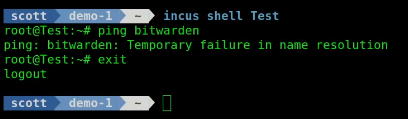
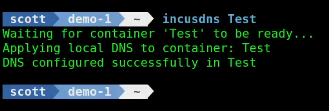
Next, I run my script specifying my container name.
incusdns Test
Now, when I go back into the container, the ping to my local DNS name works.

Working local DNS name resolution from inside of an incus container can be very helpful for some applications. This is a simple way to achieve that.