GitHub-Store is a “Play Store” type application installer for GitHub projects. There are Linux, Windows, MacOS and Android GitHub-Store variants. GitHub-Store is designed to install applications for which there are desktop client variants for your Desktop OS.
In November of 2023 I created a tutorial on Linux package installers where I discussed Snap, Flatpak, apt, and AppImages. Graphical application stores are very popular for their ease of use. Examples would be the Google Play Store, the Apple App Store, Windows Store, and Ubuntu App Store.

GitHub is a huge worldwide repository of both client and server applications which provide binaries for Linux, Windows, MacOS, Android & IoS. Github-Store provides a “Store” type of interface to use in installing Github client applications. The idea is to provide a means to install applications from Github that have desktop client interfaces.
For example, you could install the RustDesk desktop client for Windows if you were running GitHub-Store for Windows. You would not be installing the RustDesk server because it is not a client application. Another example is you could use the GitHub-Store for Linux to install the RustDesk Client on your Linux desktop.
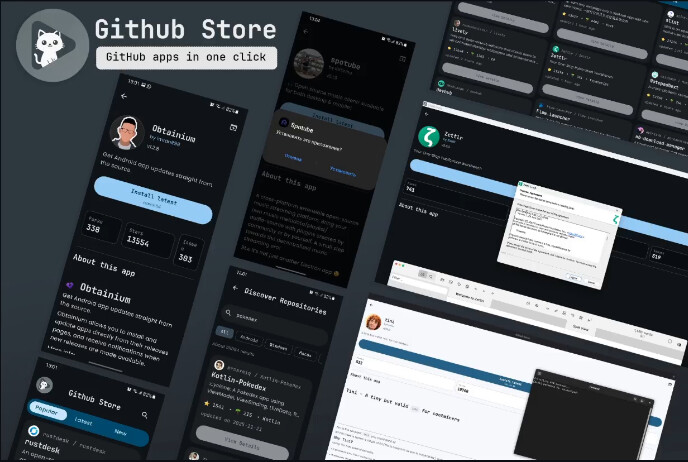
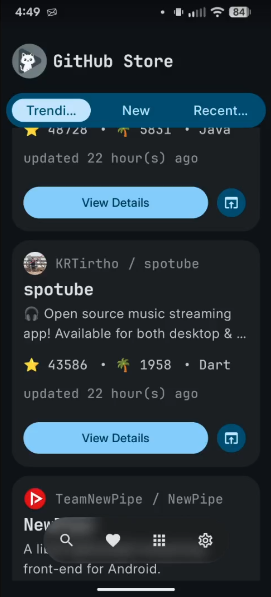
I installed GitHub-Store on my Android phone.
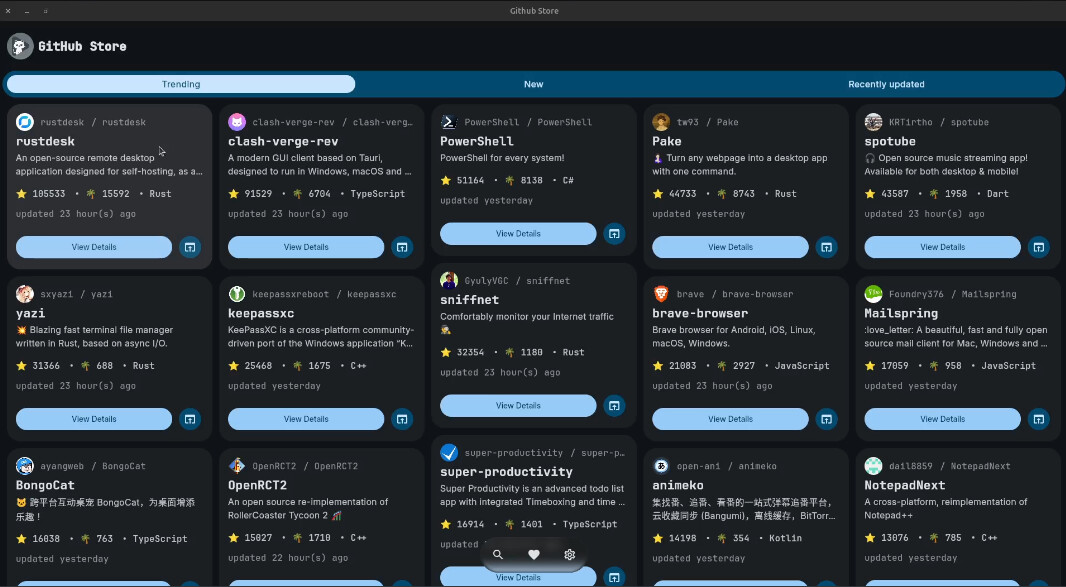
Here’s GitHub-Store running on my Ubuntu Desktop PC.
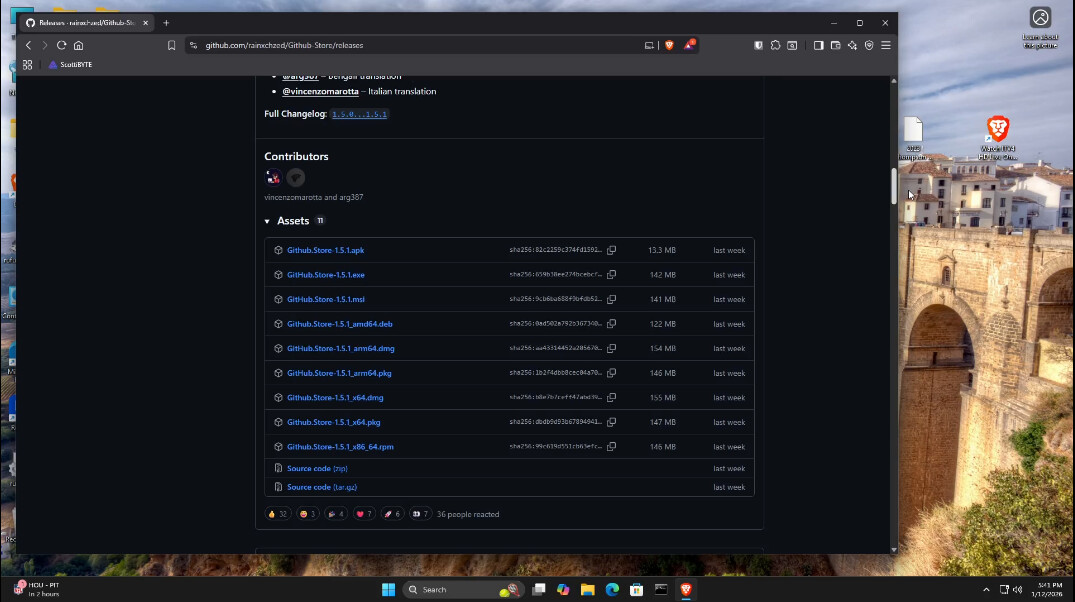
Installing GitHub-Store is as easy as downloading the installer and executing it.
Start by going to the GitHub-Store Releases page.
In the tutorial, I scrolled down to the EXE image on the release page and I downloaded and installed it on Windows 11.
Once the app is installed, it is simple to use as shown in the video.
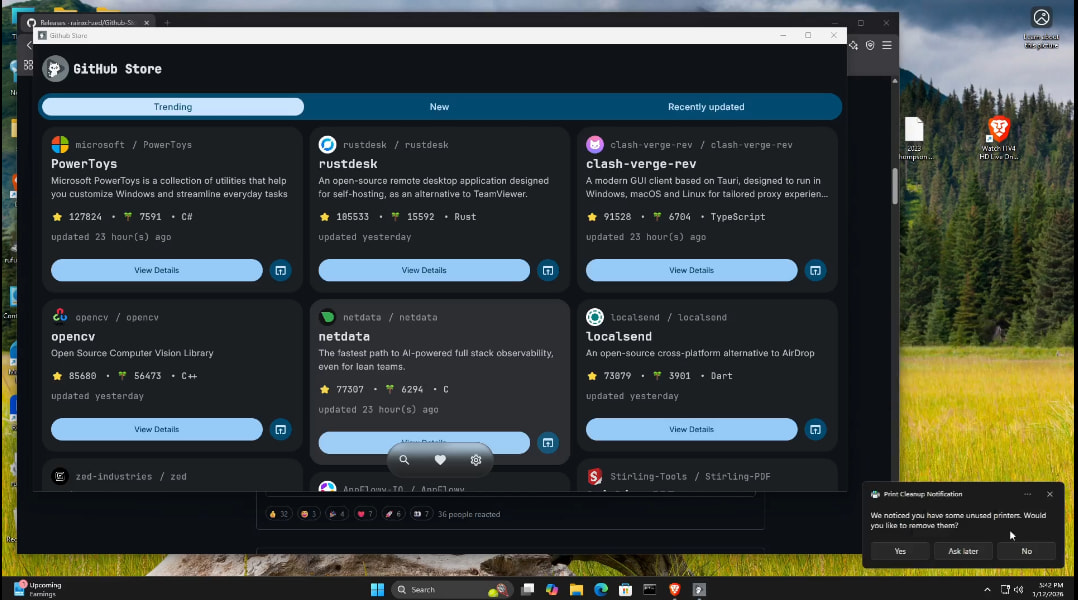
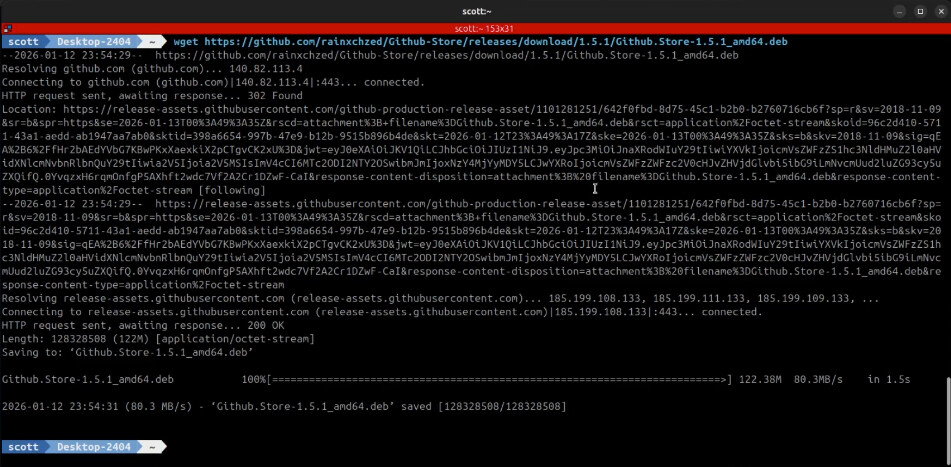
On my Ubuntu desktop, the releases page on GitHub-Store offers the apk packages for download. To download it from a terminal:
wget https://github.com/rainxchzed/Github-Store/releases/download/1.5.1/Github.Store-1.5.1_amd64.deb
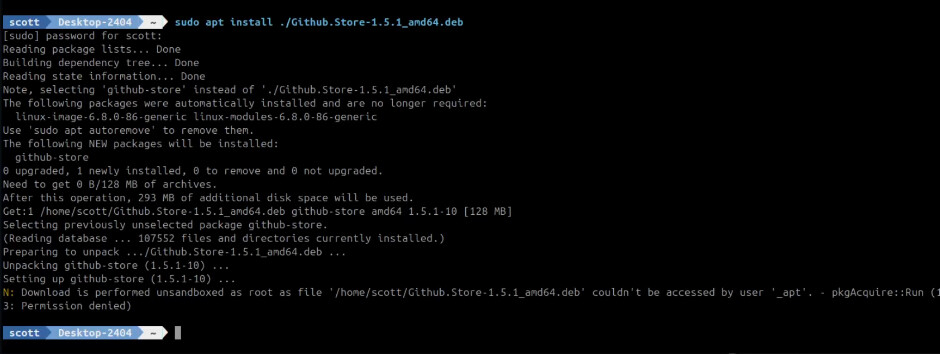
Install it:
sudo apt install ./Github.Store-1.5.1_amd64.deb
To provide the proper icon and pinning capability for the application, edit the desktop file.
sudo nano /usr/share/applications/github-store-GitHub-Store.desktop
Add the following line after the Icon line:
StartupWMClass=zed-rainxch-githubstore-MainKt
The resulting file should look like this:
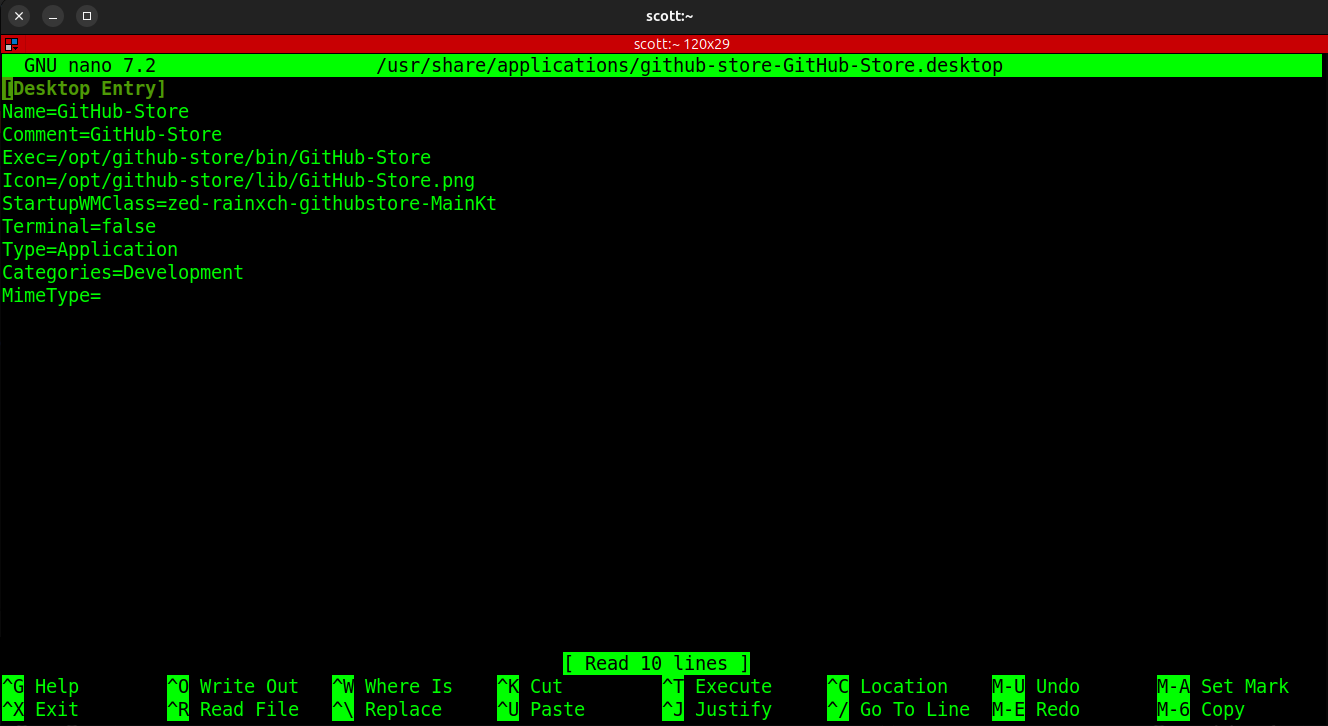
Do a CTRL O and Enter to save the file and a CTRL X to exit the nano editor.
You will now see a proper icon for GitHub-Store on your dock and you will be able to pin the application to the dock as shown in the video.