ScottiBYTE BlastRadius is an agent-less Homelab dependency and impact dashboard for mapping public services, Nginx Proxy Manager routes, Incus hosts, Incus instances, nested Docker containers, DNS, and external entry points.
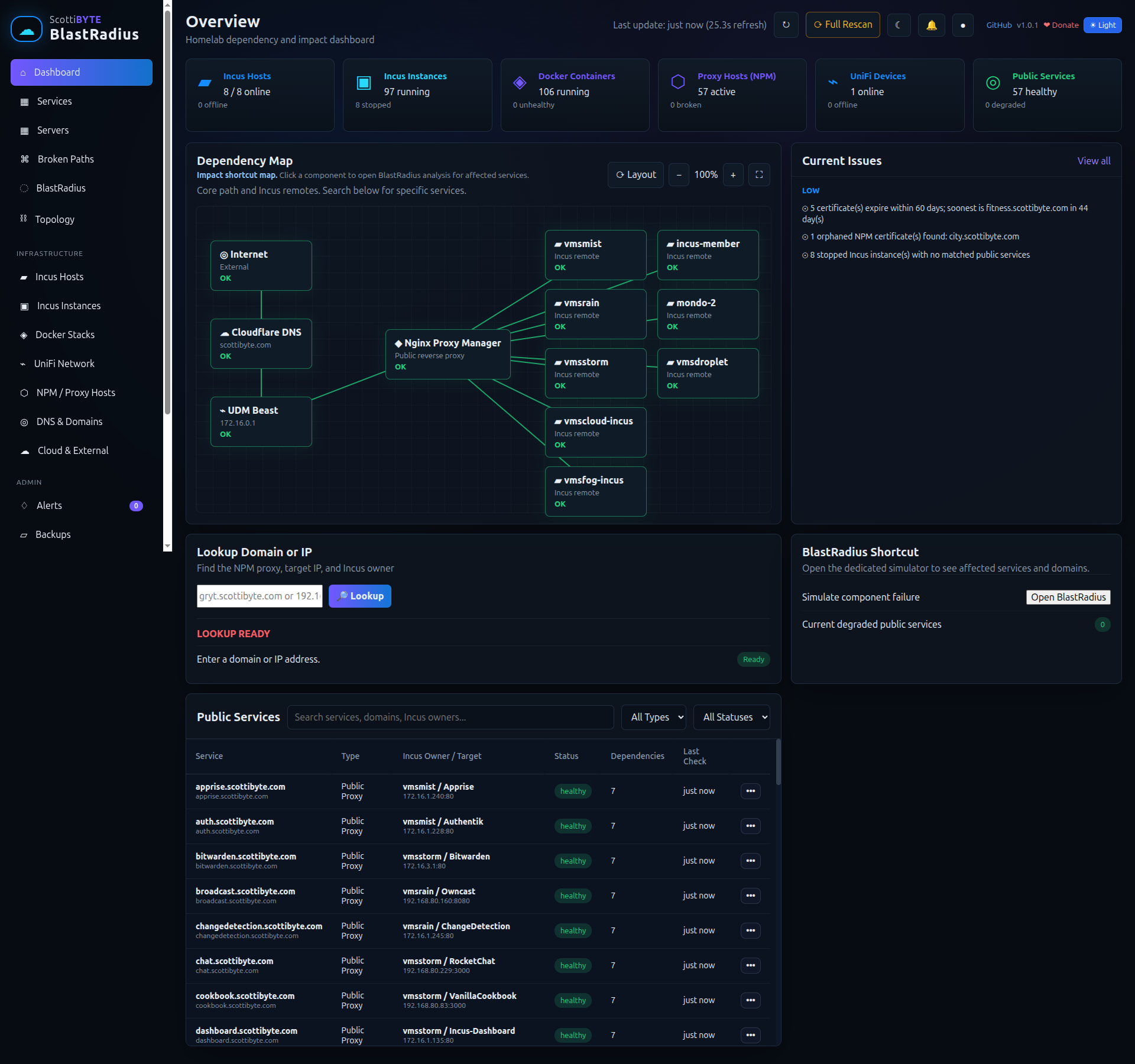
Start by creating an Incus container to host Blast Radius:
incus launch images:ubuntu/26.04 BlastRadius -p default -p bridgeprofile -c boot.autostart=true -c security.nesting=true
Move inside the container.
incus shell BlastRadius
Accept the updates.
apt update
apt modernize-sources -y
apt upgrade -y
Install some dependencies.
apt install net-tools nano curl openssh-server incus-client -y
Install docker from the script on the docker website.
curl https://get.docker.com | sh
Add a user account and put it in the sudo and docker groups.
adduser scott
usermod -aG sudo,docker scott
Login to the user account.
su - scott
Edit the host file to add your incus server names and addresses as shown in the video.
sudo nano /etc/hosts
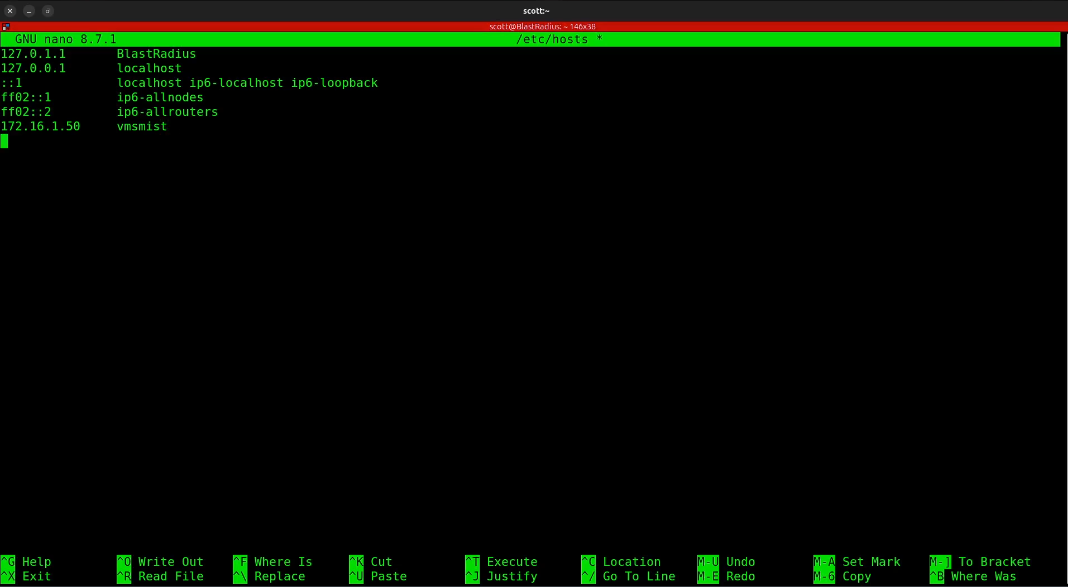
Once you have added your Incus servers CTRL O and enter to save the file and CTRL X to exit the nano editor.
Create trusts for each server as follows using your server names you just entered.
ssh vmsmist "incus config trust add BlastRadius"

Then enter the command to complete the trust.
incus remote add vmsmist https://vmsmist:8443 --accept-certificate
Paste the token from above when prompted.

You can list your remote servers.
incus remote list

Add a trust for each Incus server that you want Blast Radius to examine.
You can test your trust by having it list the containers on the remote you added.
incus list vmsmist:
Create the required file structure.
mkdir -p blastradius/{data,public} && cd blastradius
Edit a configuration file.
nano data/config.json
Put the following data in the file.
{
  "npm": {
    "enabled": true,
    "url": "http://NginX-IP:81",
    "email": "admin@example.com",
    "password": "changeme",
    "timeoutMs": 5000,
    "defaultCheckMode": "tcp",
    "domainOverrides": {
      "example-service.example.com": {
        "checkMode": "skip",
        "note": "Optional example: skip direct checks for a service that should not be checked directly."
      }
    }
  },
  "incus": {
    "enabled": true,
    "timeoutMs": 8000,
    "cert": "./data/incus-client/client.crt",
    "key": "./data/incus-client/client.key",
    "verifyTls": false,
    "remotes": [
      {
        "name": "vmsmist",
        "url": "https://172.16.1.50:8443",
        "enabled": true,
        "project": "default"
      }
    ]
  },
  "dockerDiscovery": {
    "enabled": true,
    "timeoutMs": 5000,
    "cacheSeconds": 900,
    "maxInstances": 150
  },
  "liveModelCache": {
    "cacheSeconds": 45
  },
  "certificateDiscovery": {
    "enabled": true,
    "highDays": 7,
    "mediumDays": 21,
    "lowDays": 60,
    "externalUseCertificates": {
      "mydomain.com": {
        "note": "Optional example: certificate is used outside NPM, such as by another web server."
      }
    }
  }
}
Change your NginX Proxy Manager address, username, and password in the file about and make the other changes detailed in the tutorial. Save the file with CTRL O and enter and CTRL X to exit the editor.
Create a folder for the Incus client certificate and copy the the certificate and key into it.
mkdir -p data/incus-client

cp ~/.config/incus/client.crt data/incus-client/client.crt
cp ~/.config/incus/client.key data/incus-client/client.key

chmod 644 data/incus-client/client.crt
chmod 600 data/incus-client/client.key
Edit a docker compose file.
nano compose.yml
Insert the following into the editor.
services:
  blastradius:
    image: scottibyte/blastradius:latest
    container_name: blastradius
    restart: unless-stopped
    ports:
      - "3050:3050"
    volumes:
      - ./data:/app/data
Save the file with a CTRL O and enter and then CTRL X to exit the editor.
Start the application.
docker compose up -d

Find out the address of eth0 in your incus container.
ifconfig
Go to your web browser at the address you just found at port 3050.
http://a.b.c.d:3050
If all goes well…
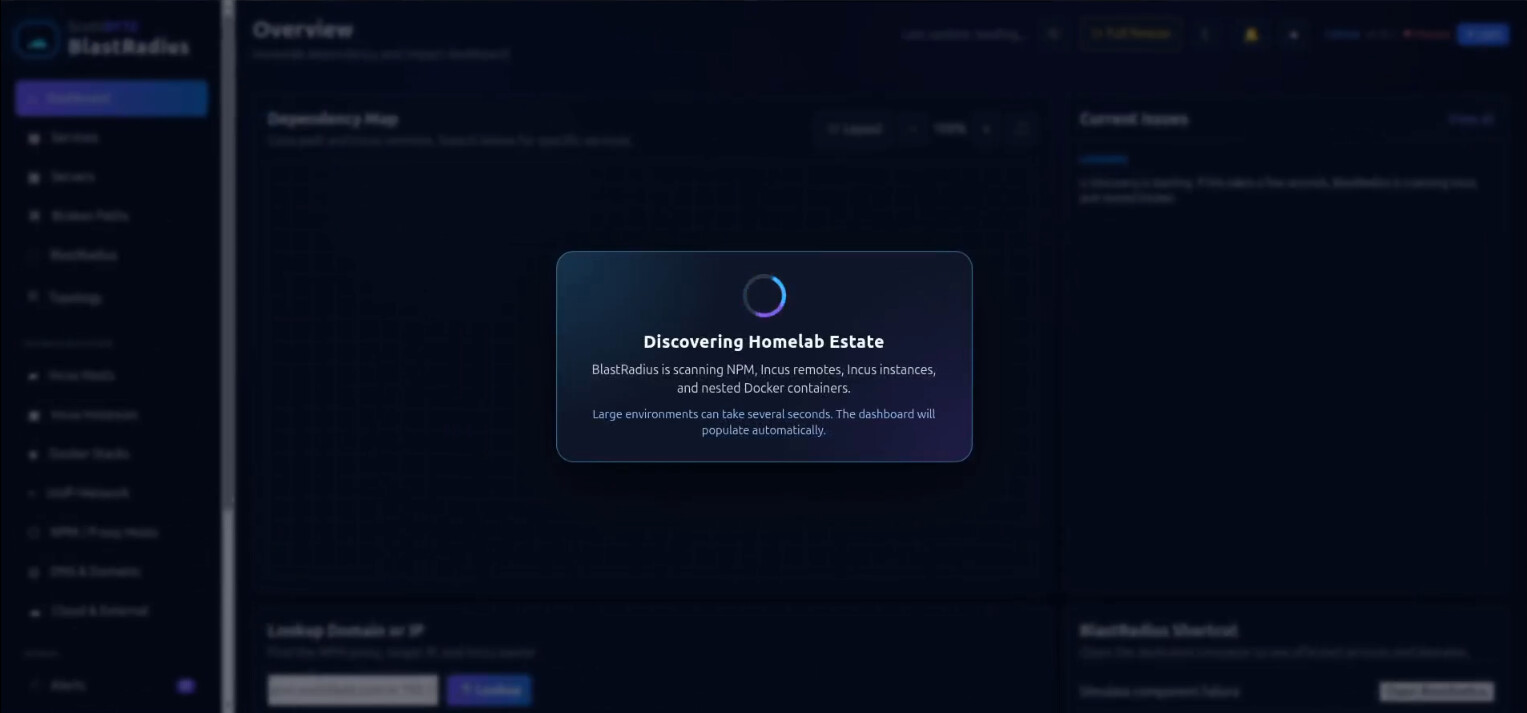
After a few seconds you will have your very own Blast Radius utility.
Enjoy!