# Incus Local DNS (A Pro Tip)
**URL:** https://discussion.scottibyte.com/t/incus-local-dns-a-pro-tip/718
**Category:** Uncategorized
**Created:** [February 21, 2026, 6:21pm UTC](https://discussion.scottibyte.com/t/incus-local-dns-a-pro-tip/718 "2026-02-21T18:21:30Z")
**Posts on this page:** 1
**Page:** 1
### Author:  [@scott](https://discussion.scottibyte.com/u/scott)
#### Post date: [February 21, 2026, 6:21pm UTC](https://discussion.scottibyte.com/t/incus-local-dns-a-pro-tip/718/1 "2026-02-21T18:21:30Z")
Incus Containers do not implement local DNS by default. Here’s a simple fix.
Let’s start by creating a simple incus container.
```auto
incus launch images:ubuntu/24.04 Test
```
Move inside the container.
```auto
incus shell Test
```
I use Pi-hole to implement my local DNS and I have tutorials that discuss that.
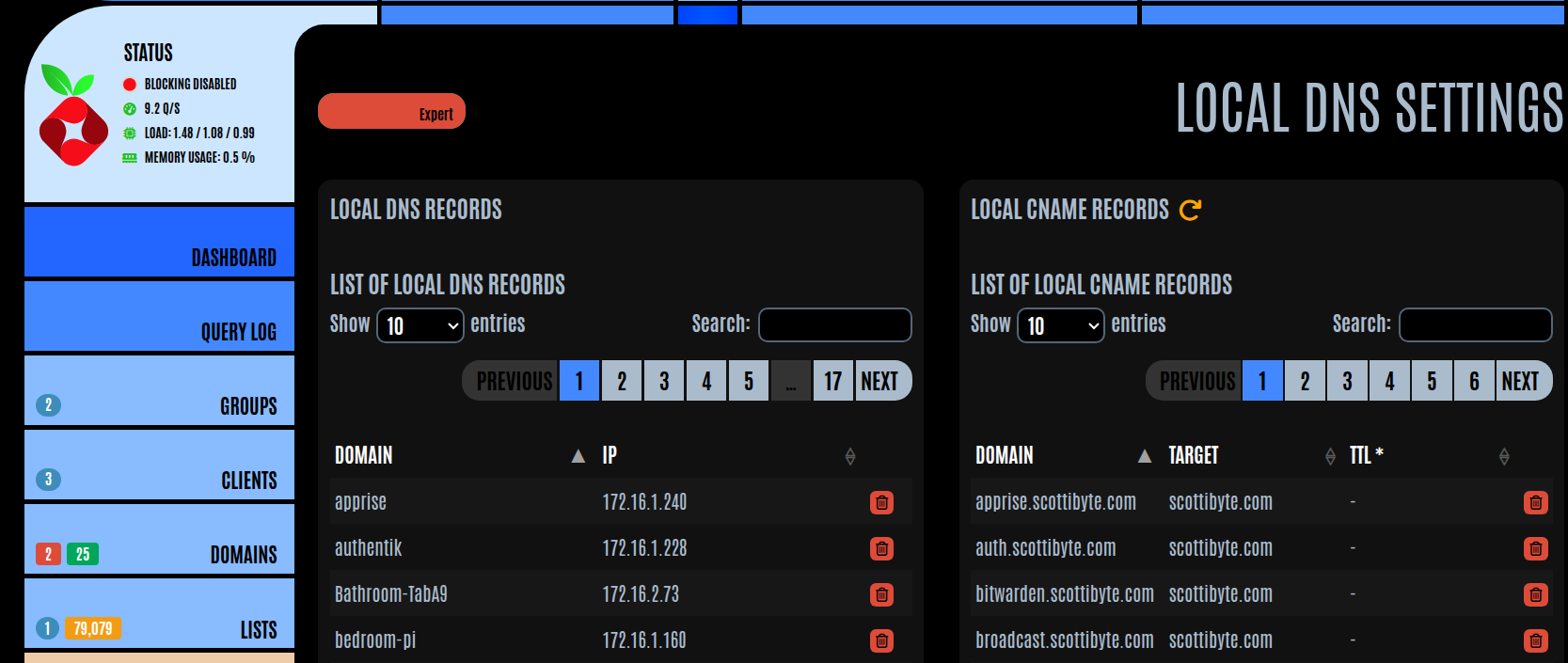
If I try to resolve a local DNS name from inside of a container.

Resolving addresses on the public internet works fine.

Ubuntu hosts use systemd-resolved for DNS resolution and that is carried inside of an incus container on an Ubuntu Incus server.
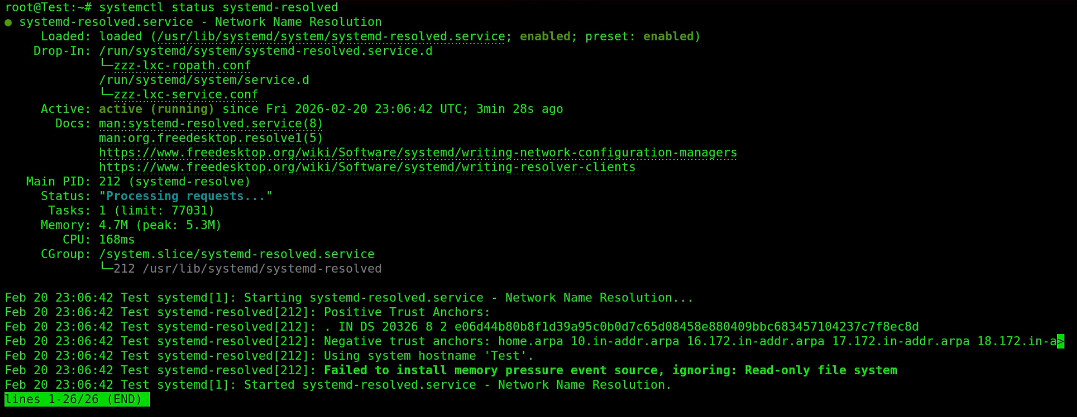
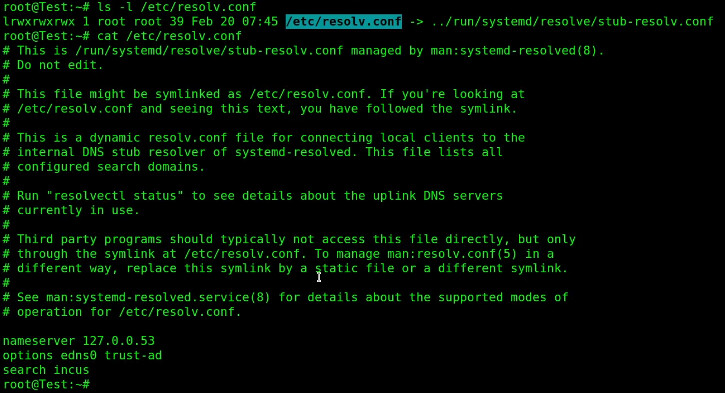
The systemd-resolved service uses a symbolic link to replace the resolv.conf file as a stub.

The contents of that file clearly show that there is no local DNS resolution taking place. Notice that the only name server listed is a loopback address at 127.0.0.53.
To get around this, we are going to create a script that we can run which will add local DNS resolution to any existing incus container.
Exit the container shell back to your Incus server.
```auto
exit
```
Edit a file for the script.
```auto
nano ~/incusdns
```
Insert the following code.
```auto
#!/usr/bin/env bash
set -e
NAME="$1"
if [[-z "$NAME"]]; then
echo "Usage: incusdns "
exit 1
fi
echo "Waiting for container '$NAME' to be ready..."
until incus exec "$NAME" -- true >/dev/null 2>&1; do
sleep 0.5
done
echo "Applying local DNS to container: $NAME"
incus exec "$NAME" -- bash -c '
set -e
rm -f /etc/resolv.conf
cat > /etc/resolv.conf <> ~/.bashrc
```
Execute your .bashrc to make the definition take effect now.
```auto
source ~/.bashrc
```
To change my Test container or any other container so it uses local DNS, just call the script with the container name where you want to enable local DNS.
```auto
incusdns Test
```
As a reminder, our Test container does not currently have local DNS resolution.
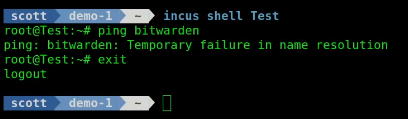
Next, I run my script specifying my container name.
```auto
incusdns Test
```
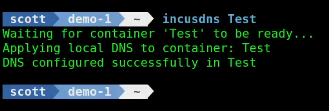
Now, when I go back into the container, the ping to my local DNS name works.

Working local DNS name resolution from inside of an incus container can be very helpful for some applications. This is a simple way to achieve that.